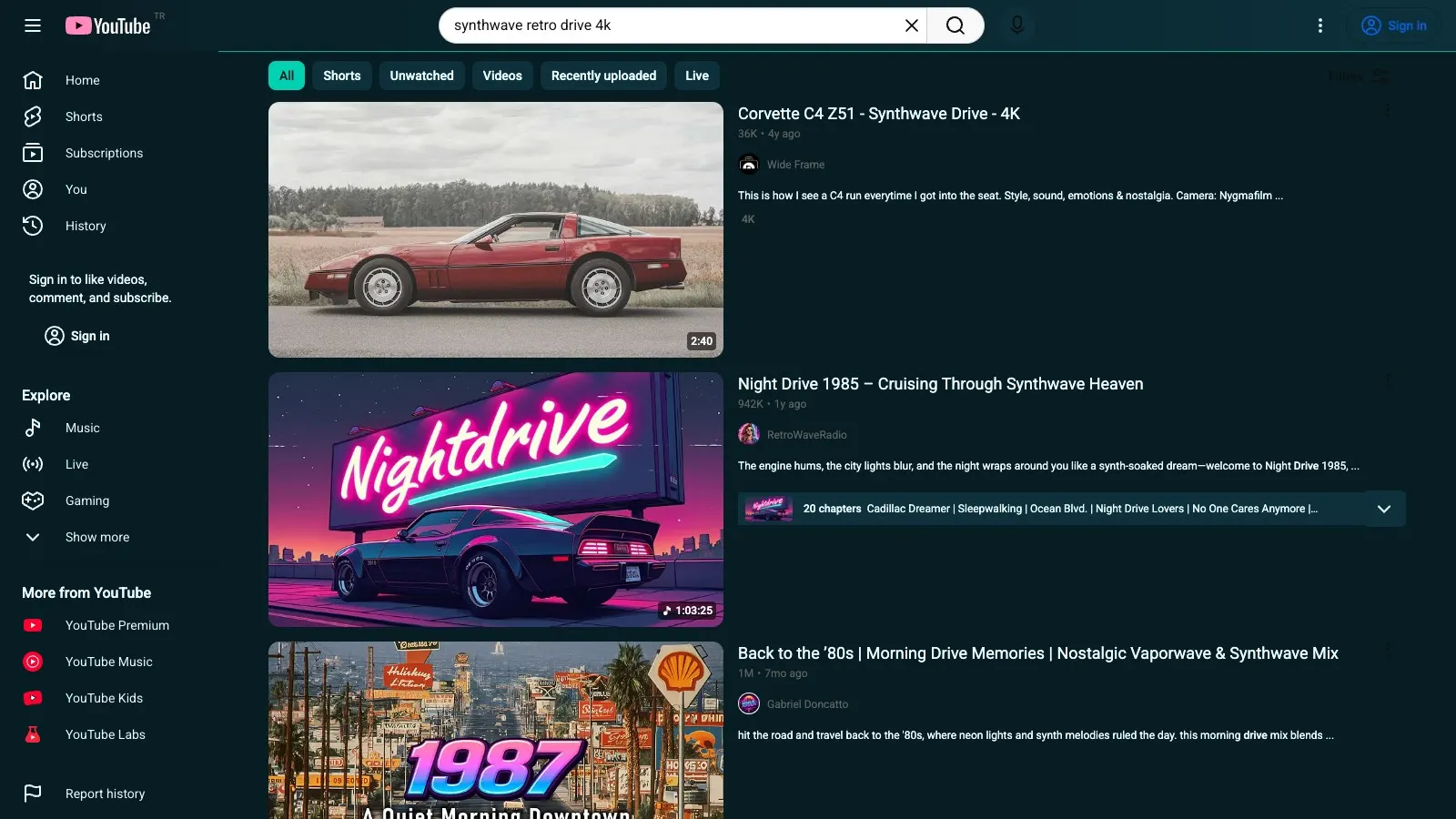
GTA San Andreas Dusk YouTube Style
YouTube · Updated today
youtube.com
TabDrip Styles on
What it changes
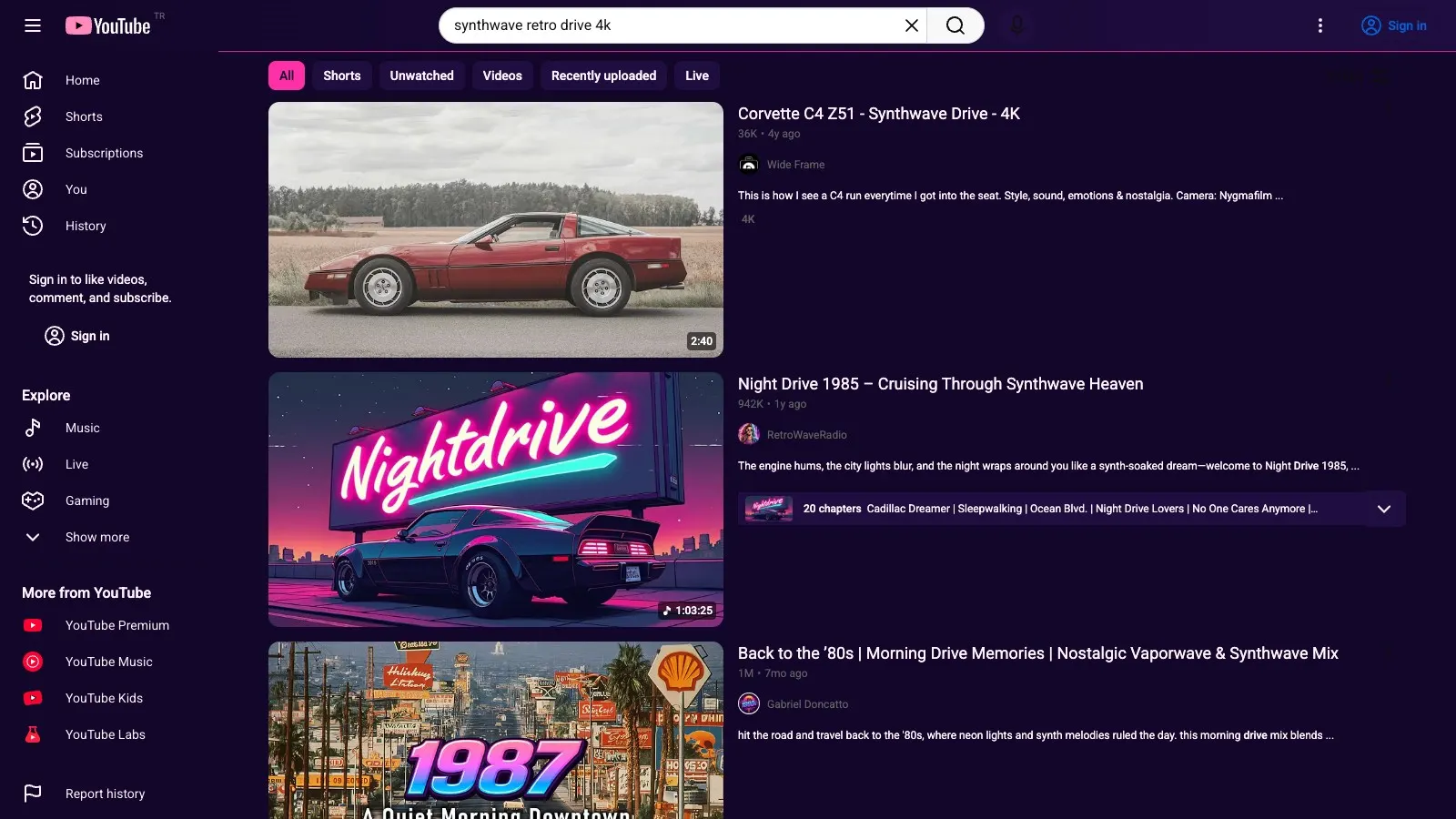
- Midnight violet page and sidebar
- Hot pink replaces YouTube red
- Cyan glow on thumbnail hover
- Neon line under the top bar
- Lavender secondary text
About & how to use
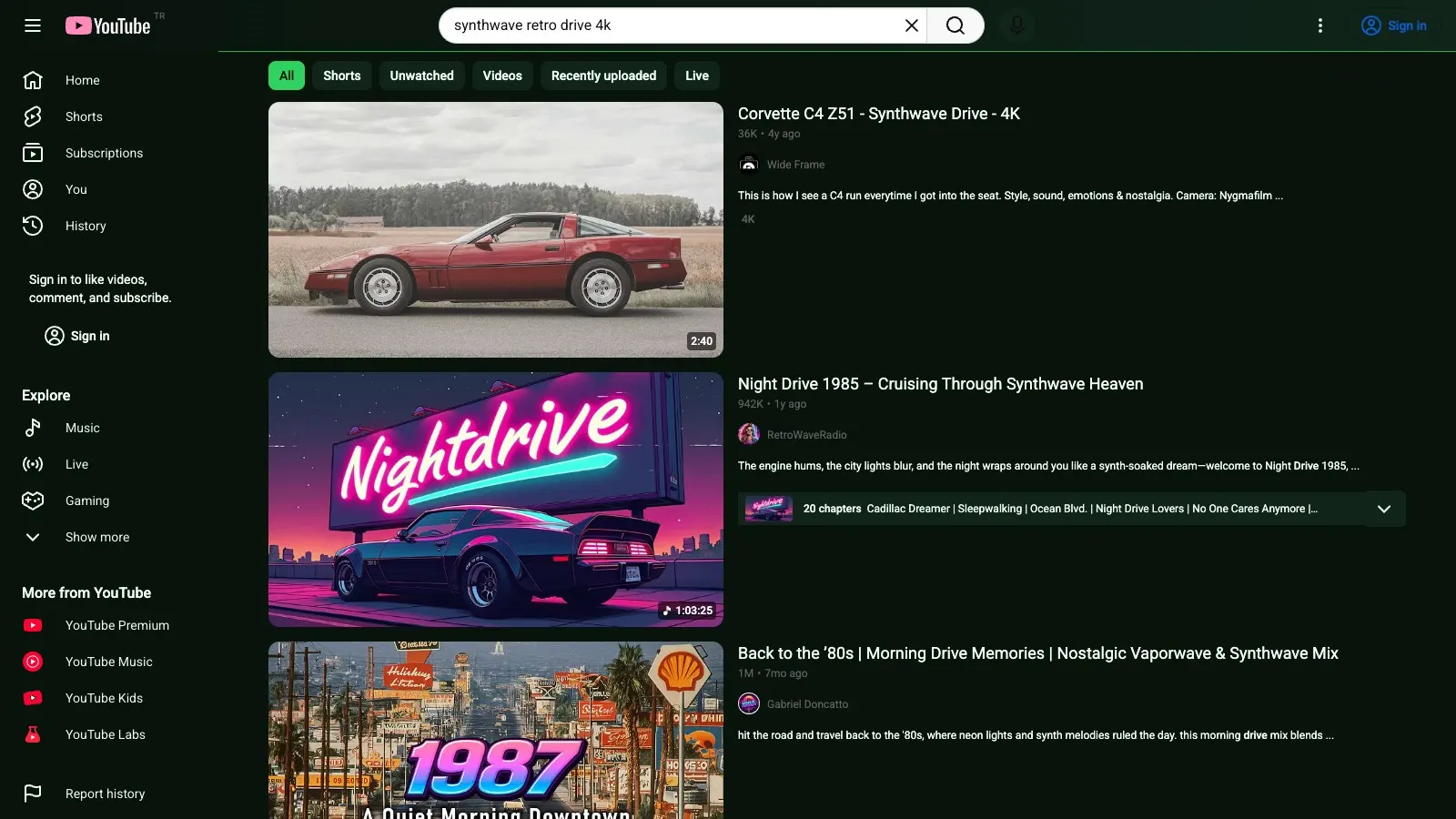
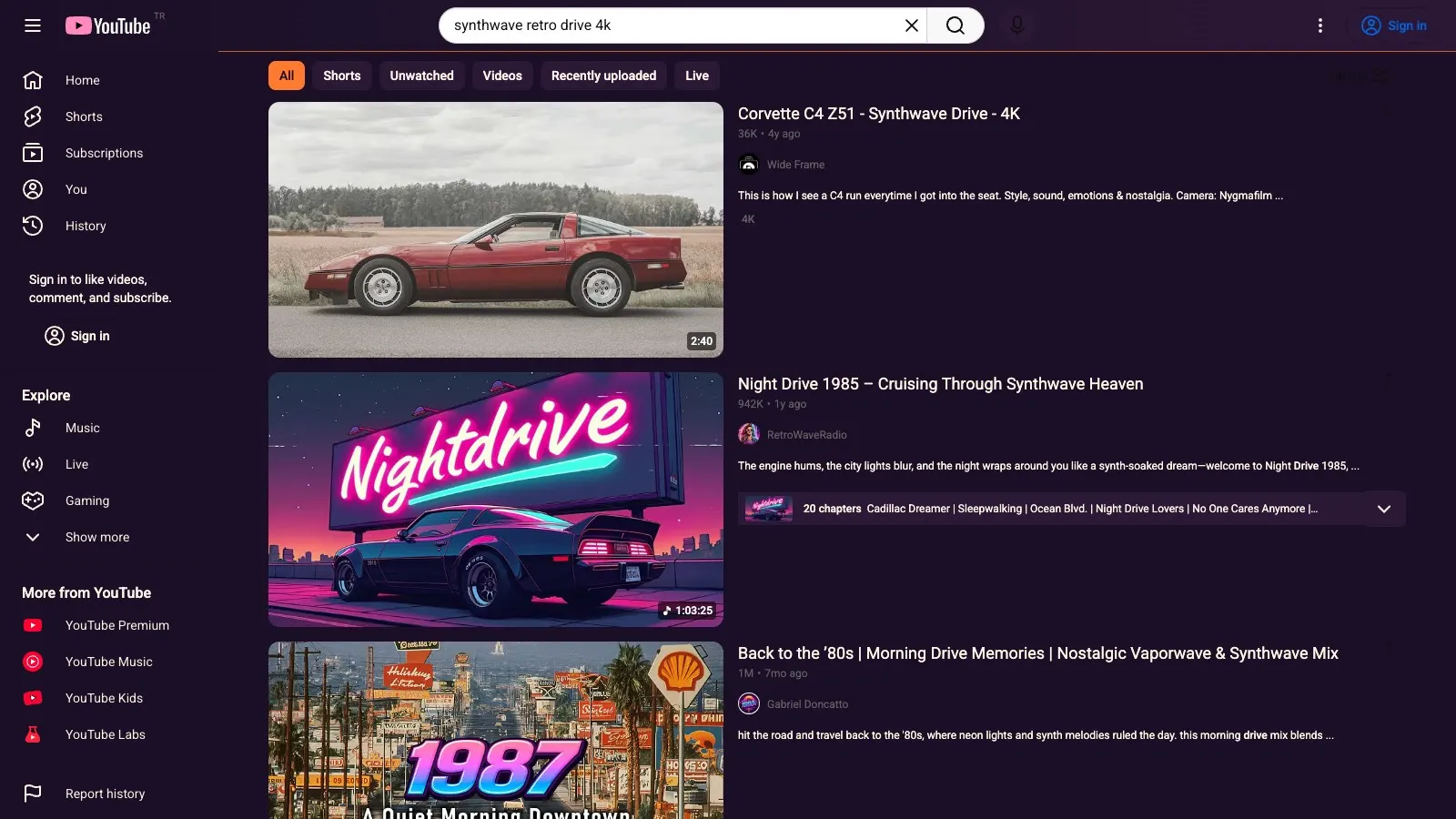
This style turns YouTube into a Vice City night. The page background drops to a deep midnight violet, panels sit one shade lighter, and every accent that is normally red becomes hot pink, with cyan glowing around thumbnails when you hover them.
Text stays near-white with a soft lavender for secondary lines such as view counts and channel names, so titles remain easy to read on long evenings. The search box, filter chips and sidebar are recoloured to match, and a thin pink line runs under the top bar like a neon sign.
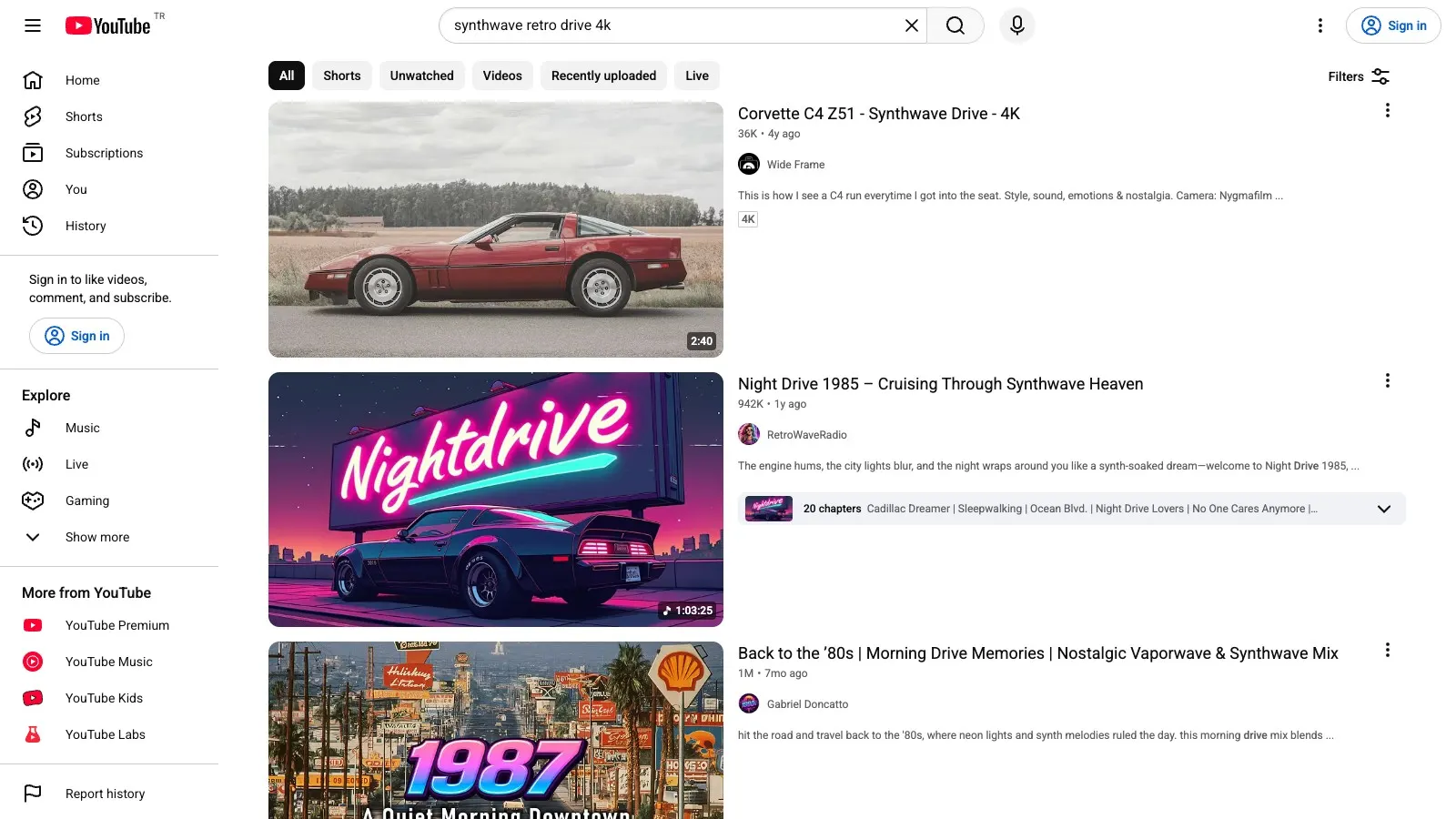
It only changes colours. Layout, buttons and video playback are untouched, and you can switch it off at any time from TabDrip Styles. This is an unofficial fan-made colour scheme inspired by the Vice City look in the GTA series and is not affiliated with Rockstar Games.
It only touches colours, shapes and spacing, so every feature of YouTube keeps working exactly as before.
How to use it
- Install Stylus, a free extension for site styles.
- Press Install with Stylus on this page, then Install style.
- Open YouTube. The new look is already there.
Want the original look back? Click the extension's icon while on YouTube and switch the style off.
More styles for YouTube
All YouTube styles →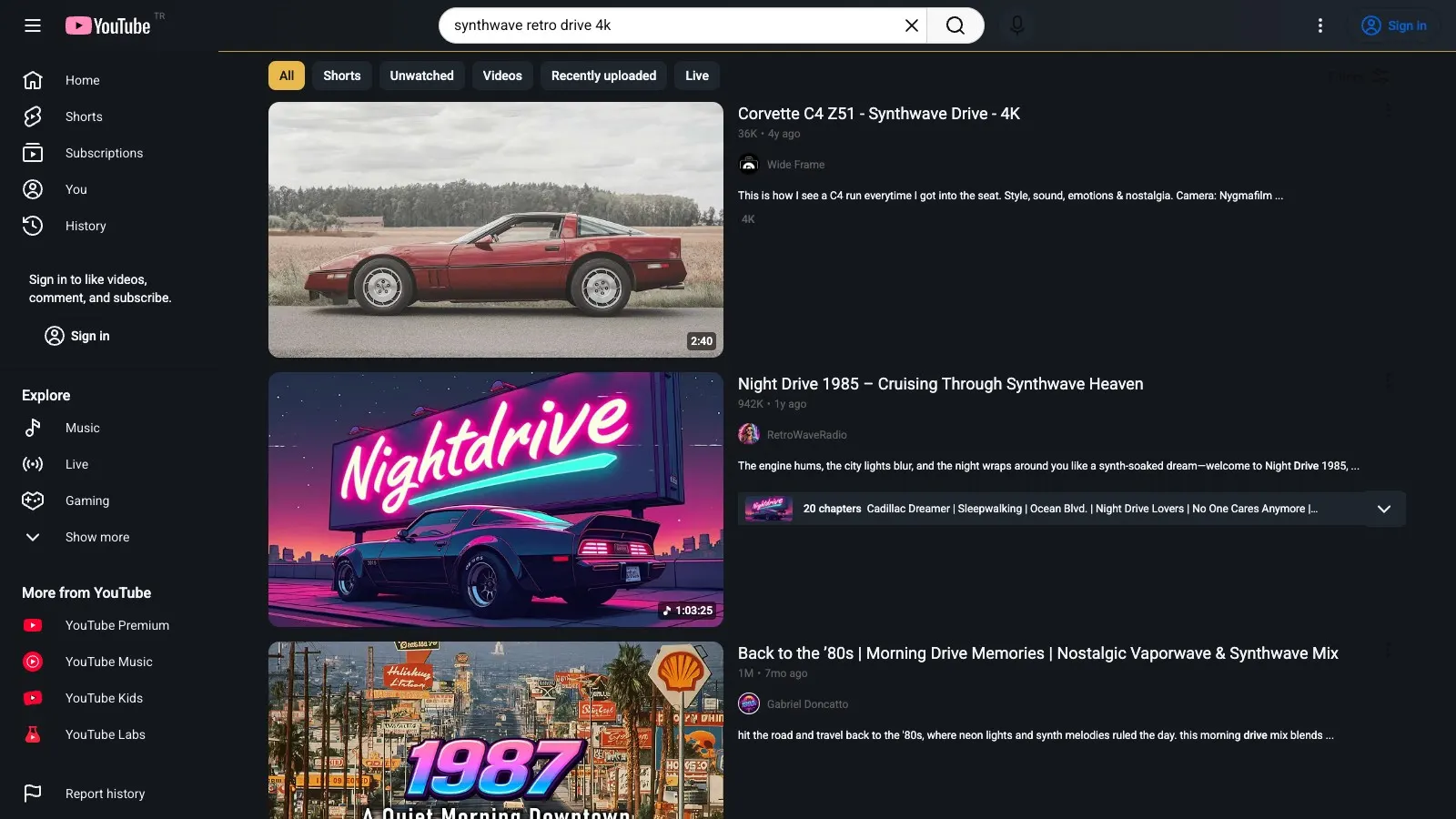
GTA Liberty City Steel YouTube Style
YouTube · Updated today
GTA Grove Street Green YouTube Style
YouTube · Updated today
GTA Los Santos Sunset YouTube Style
YouTube · Updated today
Comments
No comments yet. Be the first to say something nice.